
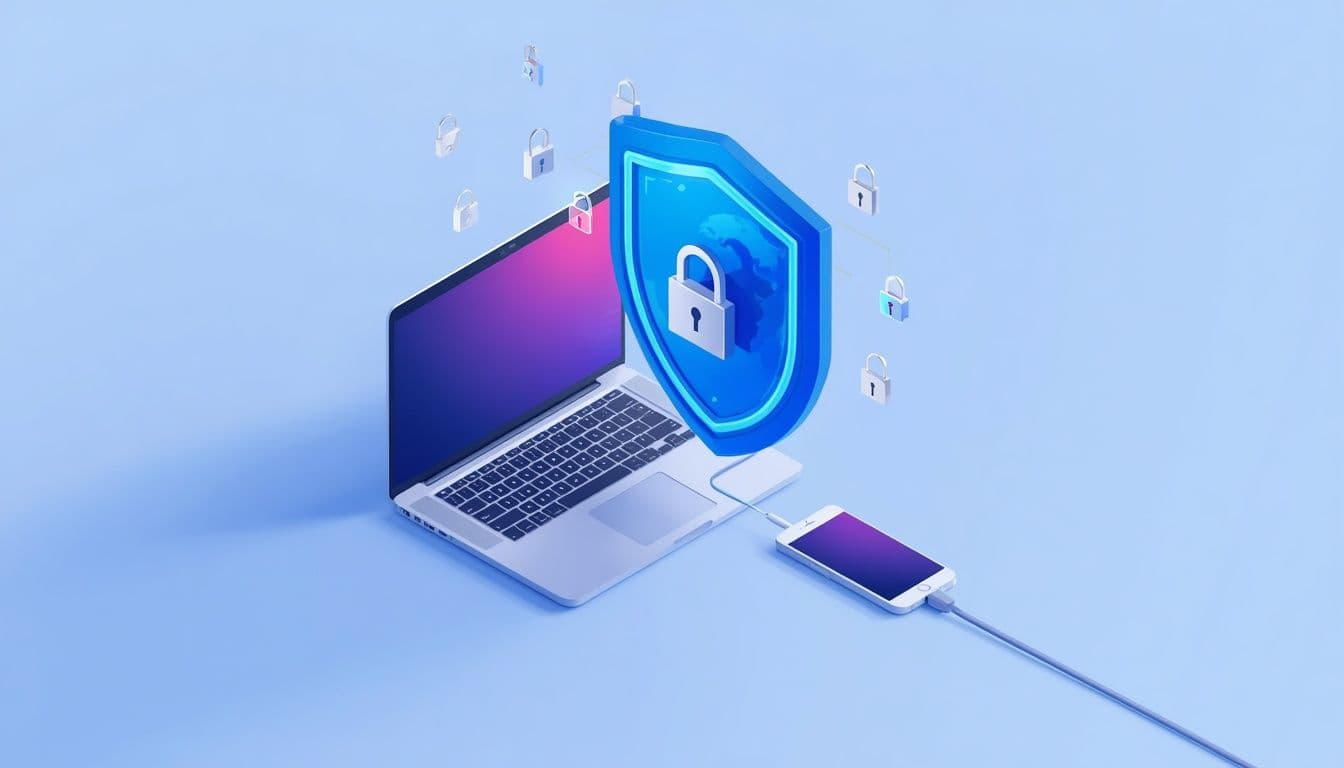
Essential Cybersecurity Tips for Remote Workers
As remote work becomes the new standard, the lines between our personal and professional digital lives have blurred. While the freedom of working from anywhere is great, it also opens new doors for cybercriminals. Protecting your company’s sensitive data is now more critical than ever.
In this article, we share actionable cybersecurity tips to help you stay safe while working remotely.
Use a Secure and Private Network
Your home Wi-Fi is the primary gateway to your work. Always ensure your router is password-protected with a strong, complex password. Avoid using public Wi-Fi in cafes or airports for work-related tasks; if you absolutely must, always use a reliable VPN (Virtual Private Network) to encrypt your data.
Enable Multi-Factor Authentication (MFA)
Passwords alone are rarely enough. Multi-Factor Authentication (MFA) adds an extra layer of security by requiring a second form of verification, such as a code sent to your phone or an authenticator app. Enabling MFA is one of the simplest yet most effective ways to prevent unauthorized access to your accounts.
Beware of Phishing Attacks
Remote workers are often targeted by phishing emails designed to look like urgent messages from their IT department or management.
- Check the sender's email address: Often, it will look slightly off.
- Avoid clicking suspicious links: Hover over links before clicking to see the actual destination.
- Don't download attachments: Never open files from unknown sources.
Keep Software and Systems Updated
Software updates aren't just about new features; they contain vital security patches that protect you from the latest vulnerabilities. Set your laptop, antivirus software, and OS to update automatically to ensure you are always shielded from emerging threats.
Conclusion
Cybersecurity is not a one-time setup; it is a habit. By adopting these essential practices—like using a VPN, enabling MFA, and being vigilant against phishing—you can significantly reduce the risk of cyberattacks. Stay safe, stay secure, and keep your workspace protected.
Related Articles:
How Does Blockchain Improve Cybersecurity
How to Secure Your Data from AI-Driven Cyber Attacks
Need Custom Software Development?
Got a project in mind or looking to scale your business with enterprise software, AI automation, or custom digital solutions? We are here to help!
👉 Contact Our Support Team and let's discuss how we can turn your vision into reality.